Managing Operating System Templates
OS Template Naming Convention
We use lowercase and dash in template naming only.
The convention described must be followed so the application can correctly classify and sort templates correctly.
<os>
Do not use dash in <os> part
<key><number>
Examples:
centos8
debian12
win10
ubuntu2404
ubuntu2204
<template>
<os>-template-v<number>
Examples:
debian12-template-v21
ubuntu2204-template-v17
kali-template-v2
<dd4w>
dd4w-tpl-lxc-<os>-v<number>
dd4w-tpl-kvm-<os>-v<number>
Examples:
Must start with 'dd4w-'
Examples:
dd4w-tpl-kvm-win10-v5
dd4w-tpl-lxc-ubuntu2204-v2
Distribution
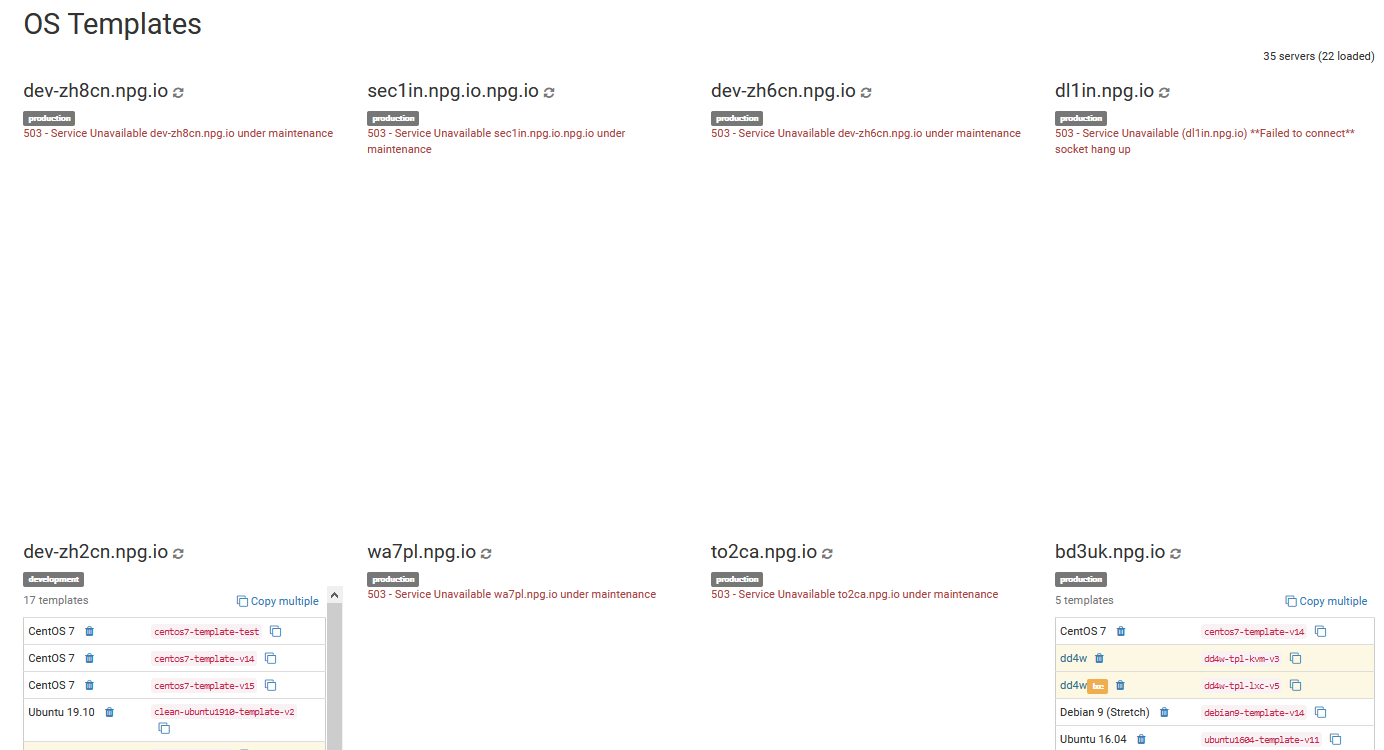
In this section, you can copy, remove or compare all OS templates available in your cloud in Australia. Please bear in mind that transferring many templates can impact your server's network and experience. Ideally you should carry out copy operations outside business hours.
Batch Deletion of OS Templates
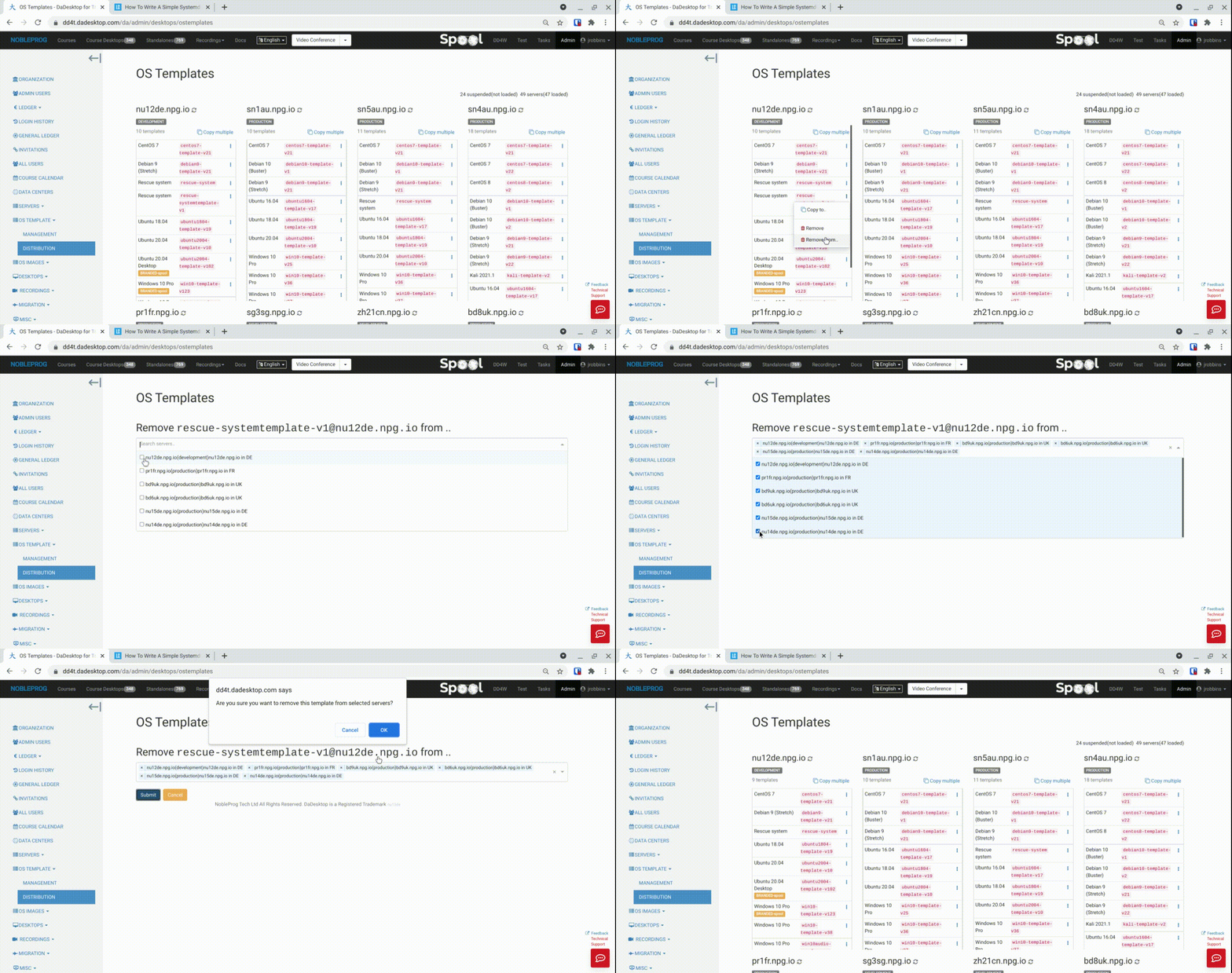
A feature that has been recently introduced that allows the batch deletion of templates from a number of servers at once. This previously was a tedious and time consuming task but now is very quick and easy.
- Simply select a server that has the template you require, and choose 'Remove from ..'. (The 'Remove' option removes a single template at a time.)
- A list of only the servers that have this particular template is shown
- Tick the servers from which you want to remove the template
-
Click 'Submit' and confirm the action, and the templates will be removed