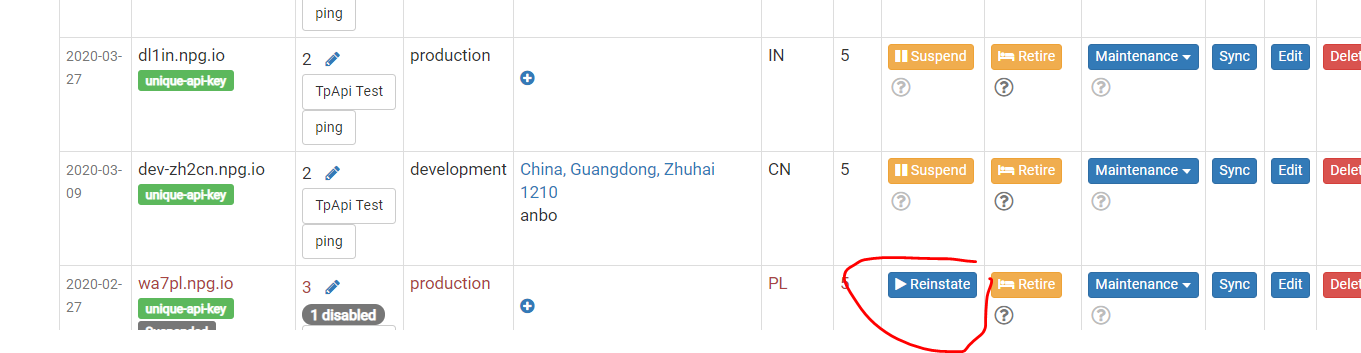
Managing Servers
You can add or remove servers from your On-Premise or OEM DaDesktop cloud.
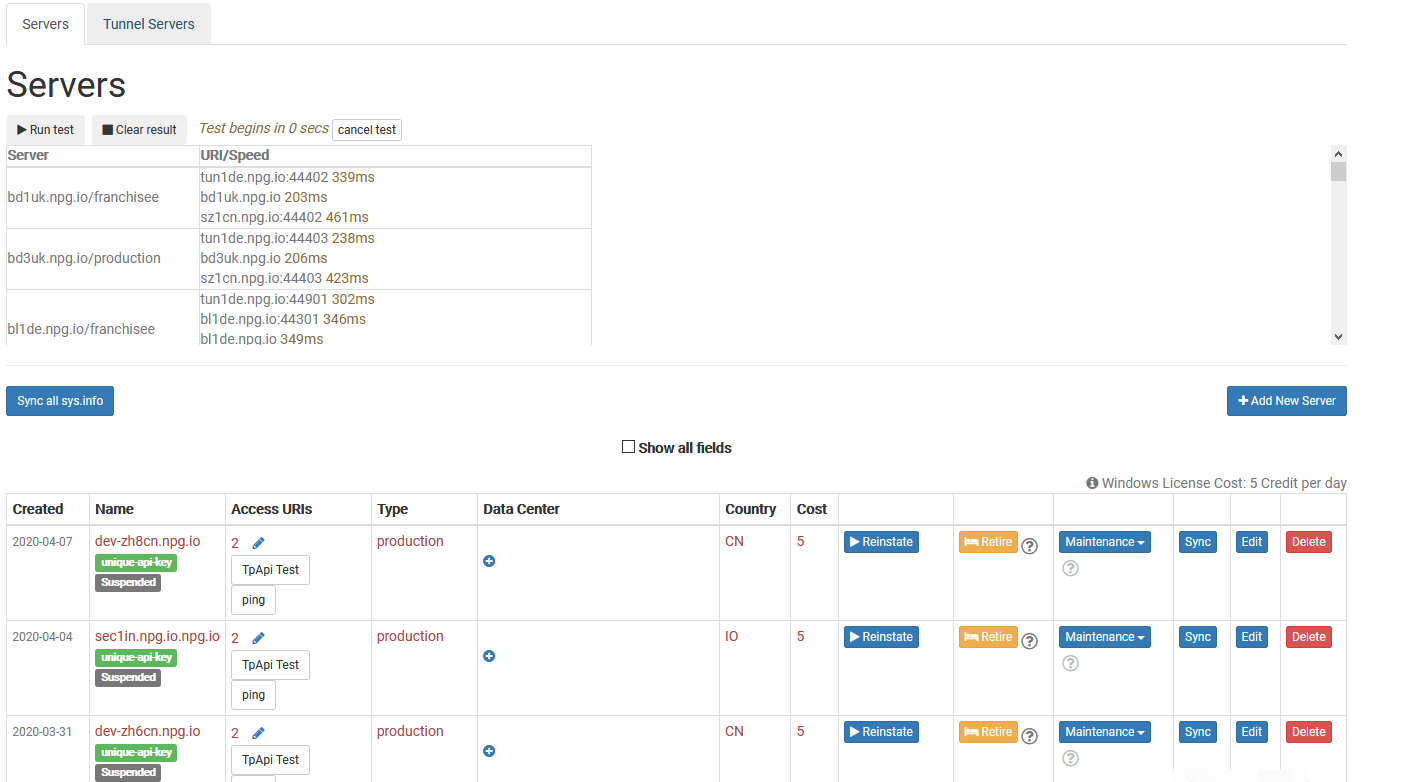
Synchronise All System Info
This function checks each server’s CPU, memory, and other components, then updates the database. DaDesktop uses this data to recommend servers to users, prioritising those with more resources.
If you’ve upgraded your hardware, you can synchronise all servers or just a single one.
Please note that if you have over 1000 servers, this process may take a few minutes.
Change State (Suspend, Reinstate)
Suspend a server when it becomes inaccessible. This stops the DaDesktop GUI from checking its status and desktops.
You might use this if a server is unavailable due to a malfunction.
Retiring a Server
If you’d like to stop using a specific server, you can put it into retirement mode. This prevents new desktops from being created on that server, while existing ones can still be used or copied to other servers.