Managing Work Desktops
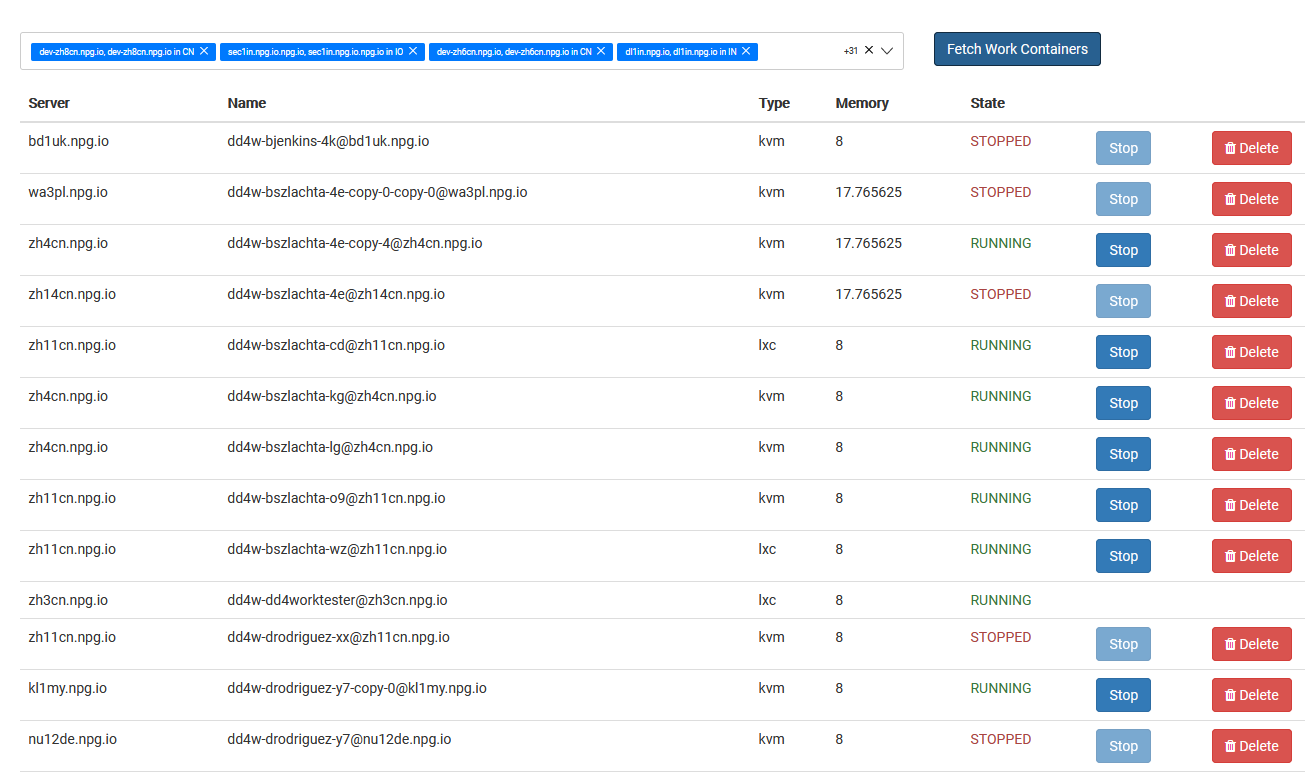
The Managing Work Desktops page gives Super Administrators a single place to view and manage all DaDesktop for Work desktops. Work desktops are designed for long-term use and are assigned to individual users, providing secure and ongoing access to their desktop environment.
Work Desktop List
The page displays all work desktops along with their current status and basic information. Administrators can quickly identify desktops, monitor their availability, and manage them as needed.
Available Actions
Depending on the desktop and its current state, administrators can perform management tasks directly from the interface. These actions help maintain work desktops throughout their lifecycle whilst ensuring users continue to have access to their assigned environments.
Administration
Managing Work Desktops provides a centralised view for supervising work desktop resources. It simplifies administration by allowing Super Administrators to monitor and manage user work desktops from a single location without affecting other desktop types used for training or standalone purposes.