Over-committing of Coefficients
This feature is available exclusively on DaDesktop Private Server (DDPS) and DaDesktop On-Premise (DDOP).
As courses become more complex and require more processing power, especially with nested virtualisation or higher performance demands for a larger number of trainee desktops, you may occasionally encounter an error like this :-

This warning typically appears for CPU, memory, or disk space constraints. Your first step should be to move your machine(s) to a less busy server or data centre, or to reduce resource requirements wherever possible.
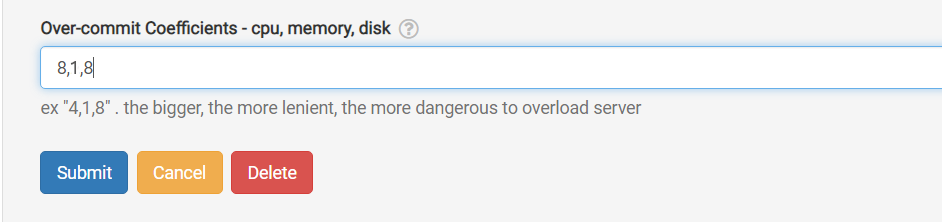
If neither option is viable, and you're only just over the maximum number of units normally allowed, a quick fix is to temporarily over-commit one or more of the CPU, memory, or disk coefficients. You can do this through the GUI as shown below.
Navigate to /da/admin/servers/all, click the Edit button for your server, then scroll down to this section.
The server list also displays any servers currently using over-committed coefficients, which is handy for when you need to revert them after a course wraps up and the coefficients should be set back to their defaults.
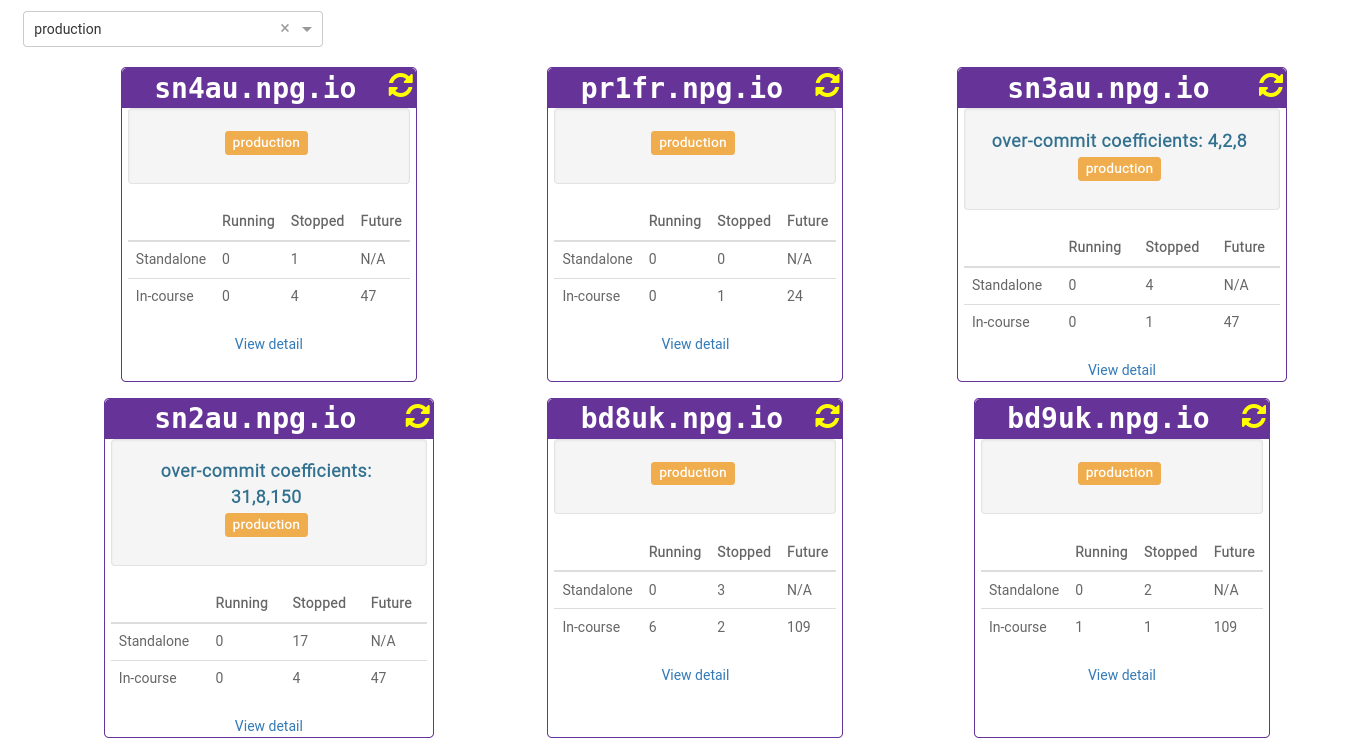
Any modifications should be considered a temporary fix, not a permanent solution to resource shortages. Once the course has finished, any changes made to allow it to proceed should be rolled back.
DaDesktop On-premise Requirements
The over-committing function relies on tpapi, which is part of the DaDesktop codebase. Currently, tpapi is only compatible with Python 3.12, so the operating system requires Ubuntu 23.10 or later.