What are Fresh-Start, Trainer, Participant and Standalone Machines?
DaDesktop is an advanced training platform that provides accessible cloud machines for training courses, together with admin tools to easily manage the desktop machines on each course.
To make this possible, DaDesktop uses a number of similar but distinct desktop machine types to support such courses.
Below are descriptions of the different machine types used.
Fresh-Start Machine
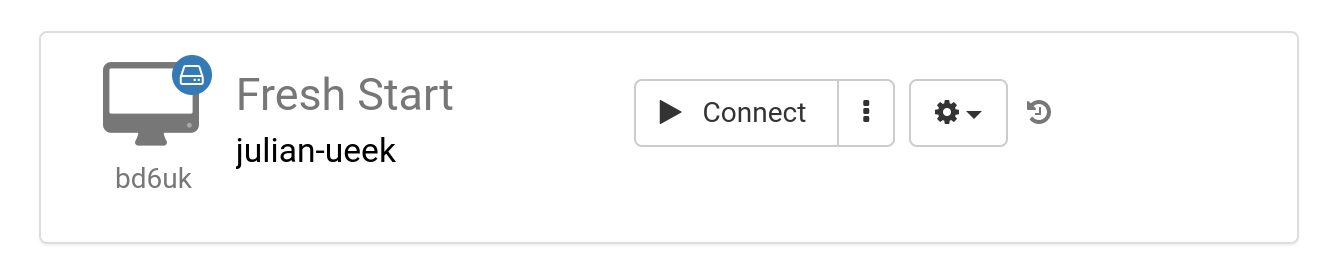
A 'Fresh-Start' is the DaDesktop machine that the trainer uses to create and develop their course materials. Once completed, the Fresh-Start machine is copied to all participants' desktops ready for the course they are undertaking. A Fresh-Start can be thought of as something like a 'Golden Image' that can be reverted to if problems arise on either the trainer's or participants' machines.
Trainer Machine
A 'Trainer' machine is used by the trainer to present their course material to the participants during the course. The state of this machine will differ from the Fresh-Start, as software applications and libraries related to the course subject are normally installed, configured, and run by the trainer(s) as part of the course.
If more than one trainer is leading a course, then there will be multiple trainer machines.

Participant Machine
A 'Participant' machine is used by each participant during the course, where they can perform installations, configurations and exercises under the trainer's oversight.

Fresh-Start, Trainer and Participant machines are usually automatically deleted a short time after the course finishes. Hence there is one more type of machine that is also available, which is not linked to a course and can be kept for as long as needed – this is called a 'Standalone'.
Standalone Machine
A 'Standalone' machine is one that is not necessarily used during a course itself. It 'stands alone' as a separate machine that can be used before or after a course finishes, or simply on its own without reference to a course. The Standalone is particularly flexible in this regard.

Typical reasons for creating Standalone desktops include:
- Preparing training course material that can be reused time and again outside of a course, or kept for use when necessary.
- When you need a flexible machine with perhaps a different operating system (Linux, Windows) to test out ideas in a safe environment.