Removing Your Account
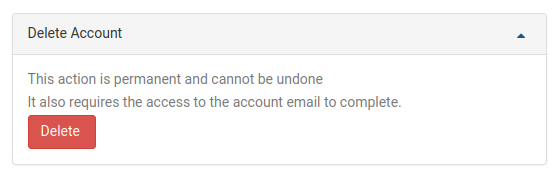
To remove your DaDesktop user account, head over to the My Account page. You'll find the option to delete your account down the bottom. Click the Delete button to get started.
Once you've clicked Delete, you'll need to type in your DaDesktop account password to authorise the request. A confirmation link will be sent to the email address you've got on file. Open that email and click the link to finish wiping your account.