Inviting Participants
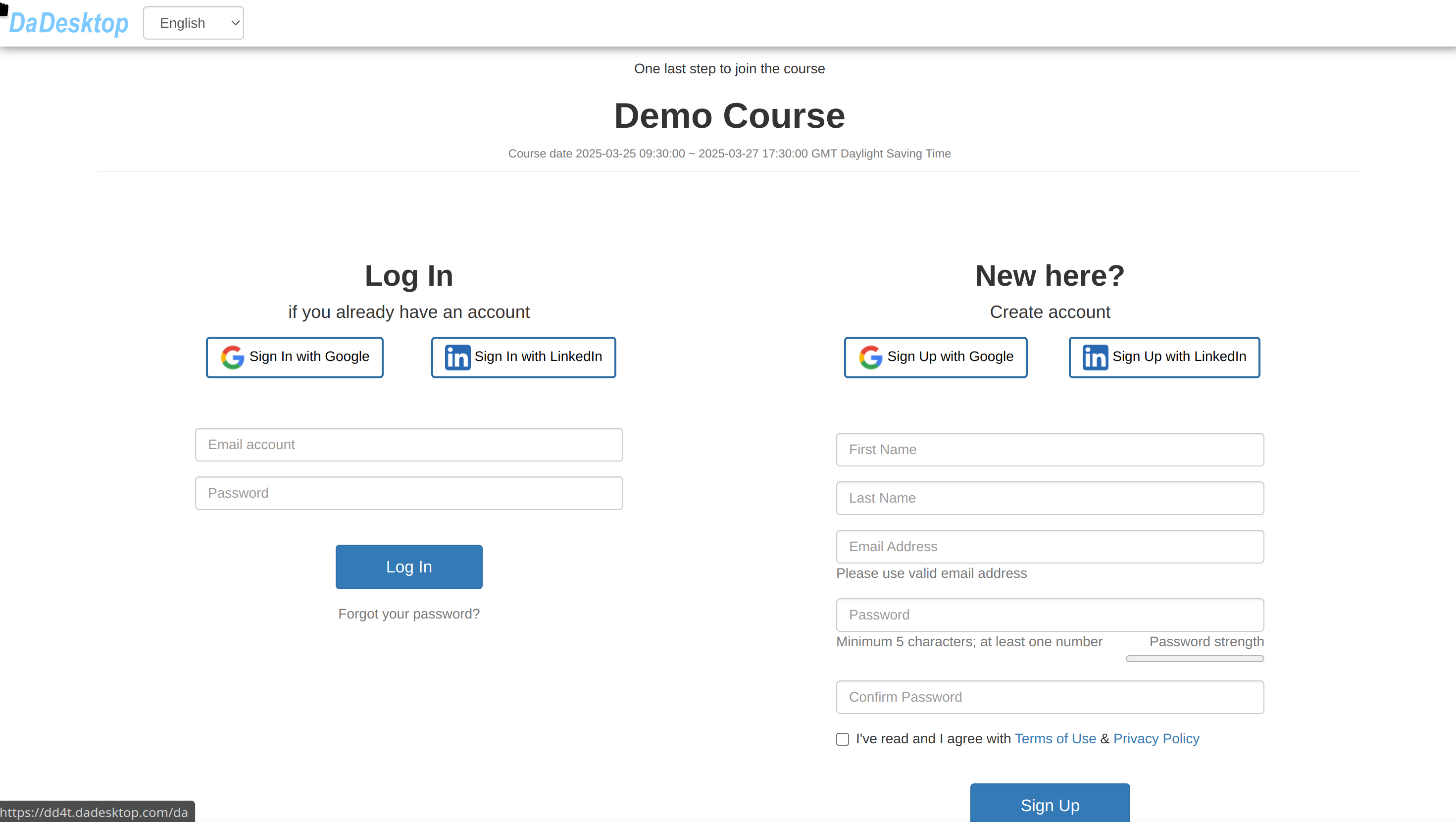
Once a course has been created, the trainer can invite participants using the "pink invitation link".
- Participants can register for the course by using the link.
- The invitation link is specific to each course (one course, one link).
- You should use Chrome or Firefox when registering for the course.
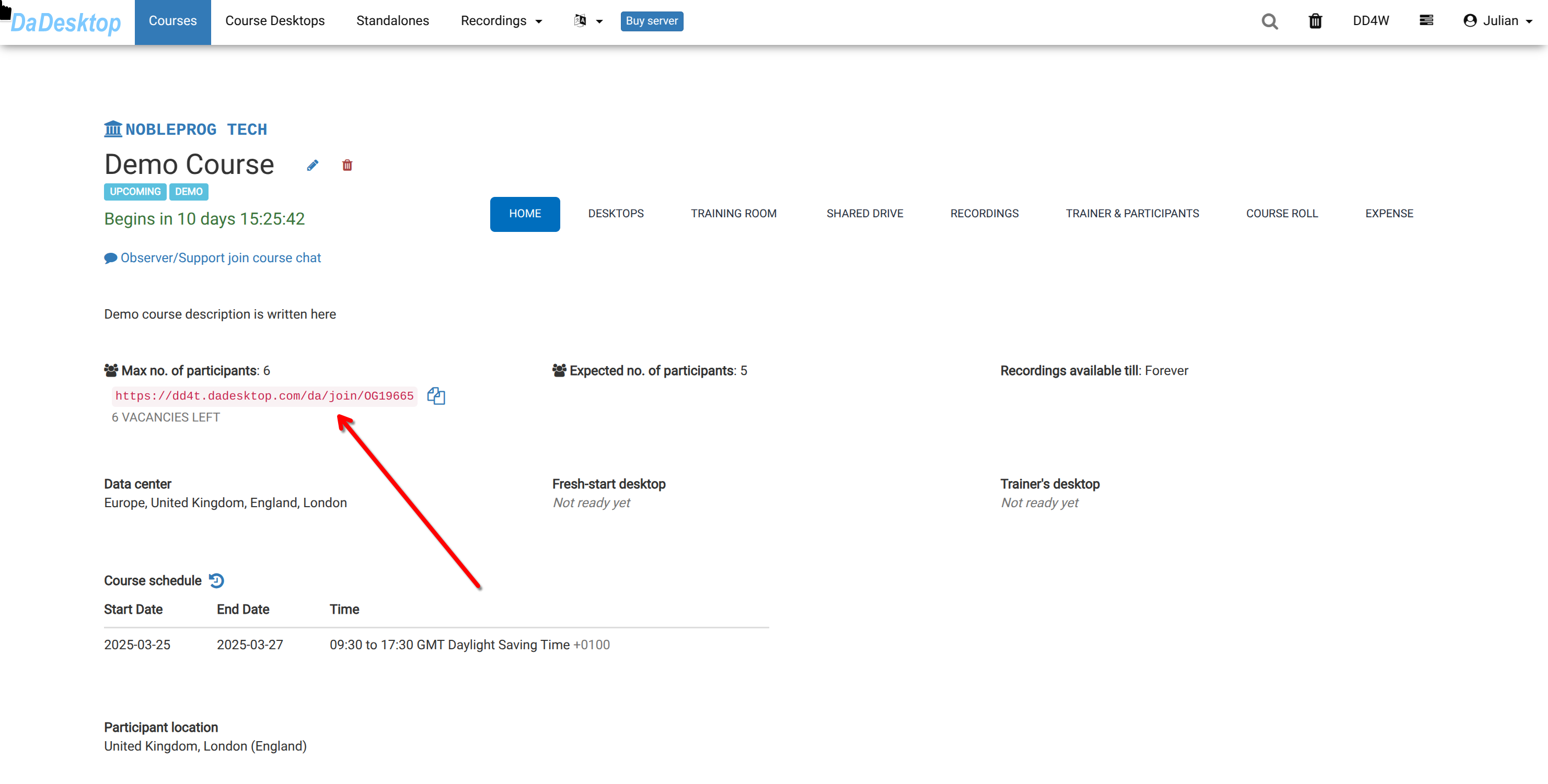
As a course participant, you can open the link and enrol in the training course.