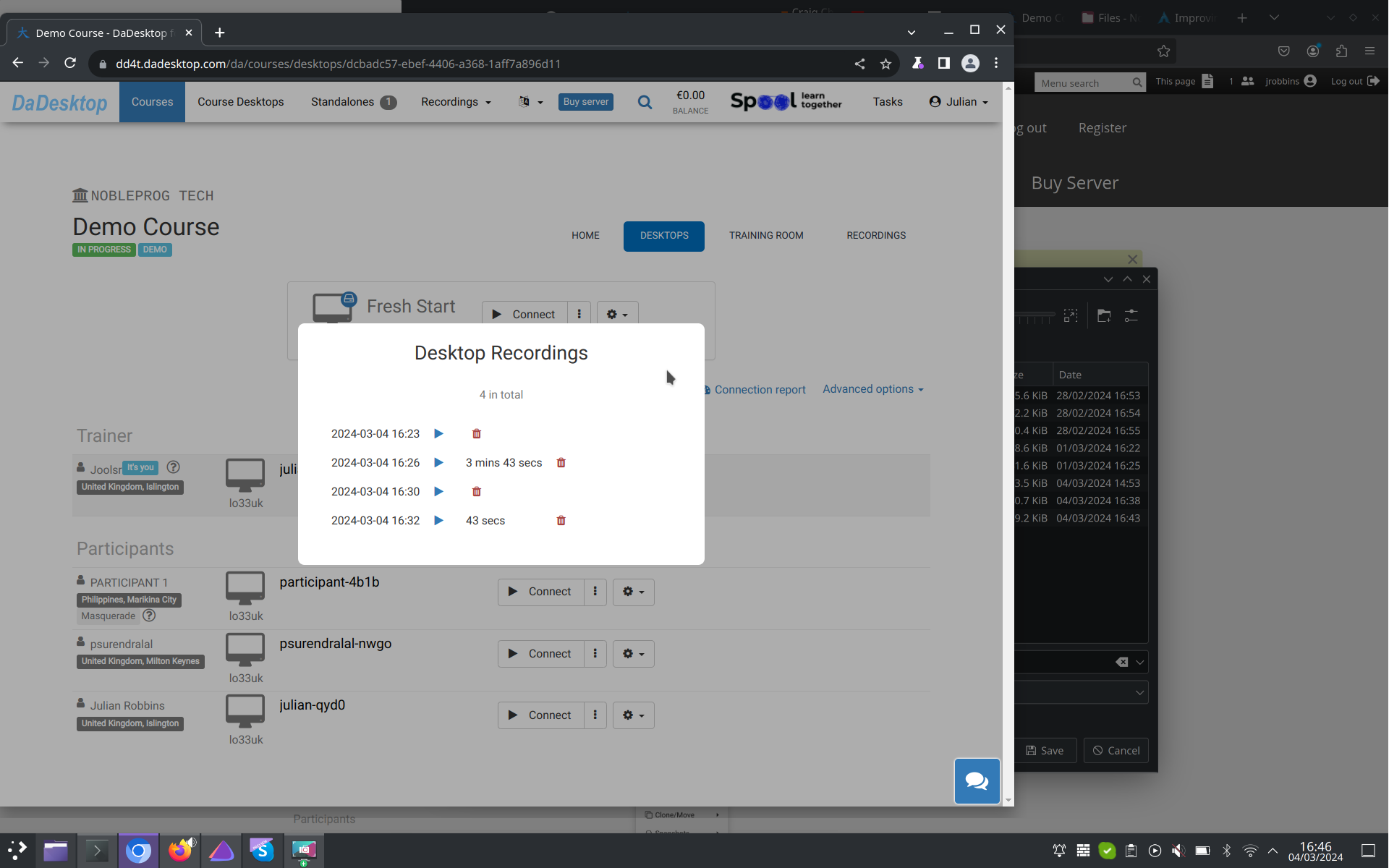
Auto-Session Recording
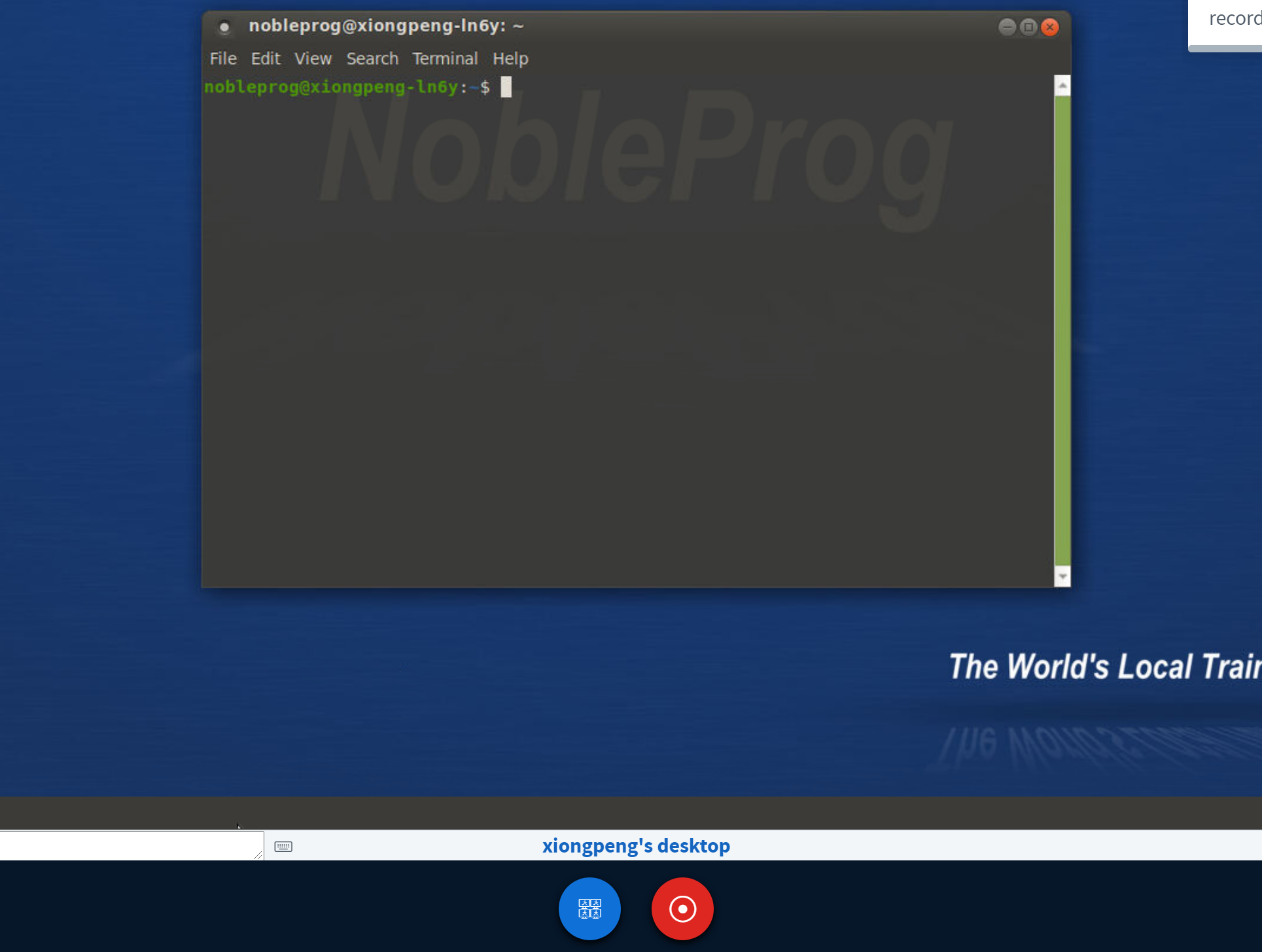
The trainer's desktop will automatically begin recording the moment you step into the training room.
To wrap things up, just hit the "red-recording" button again to stop the session.
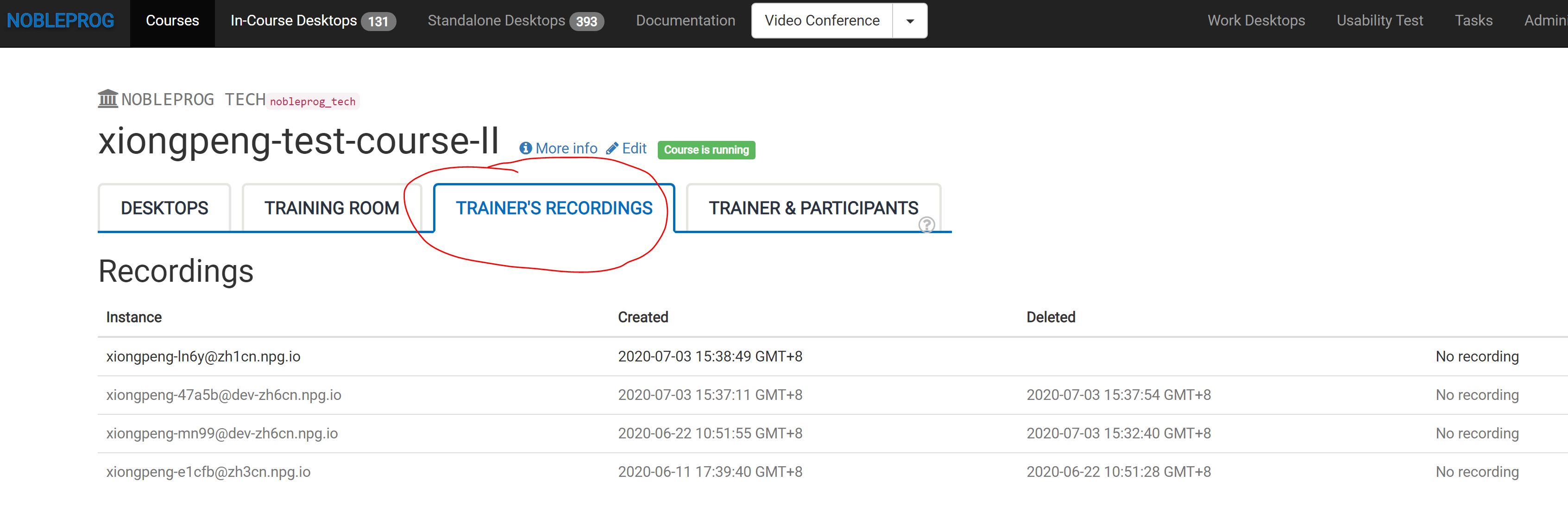
You can find all your saved sessions under "Trainer's Recordings" within your course.
Check out the auto-session recording of the trainer's desktop here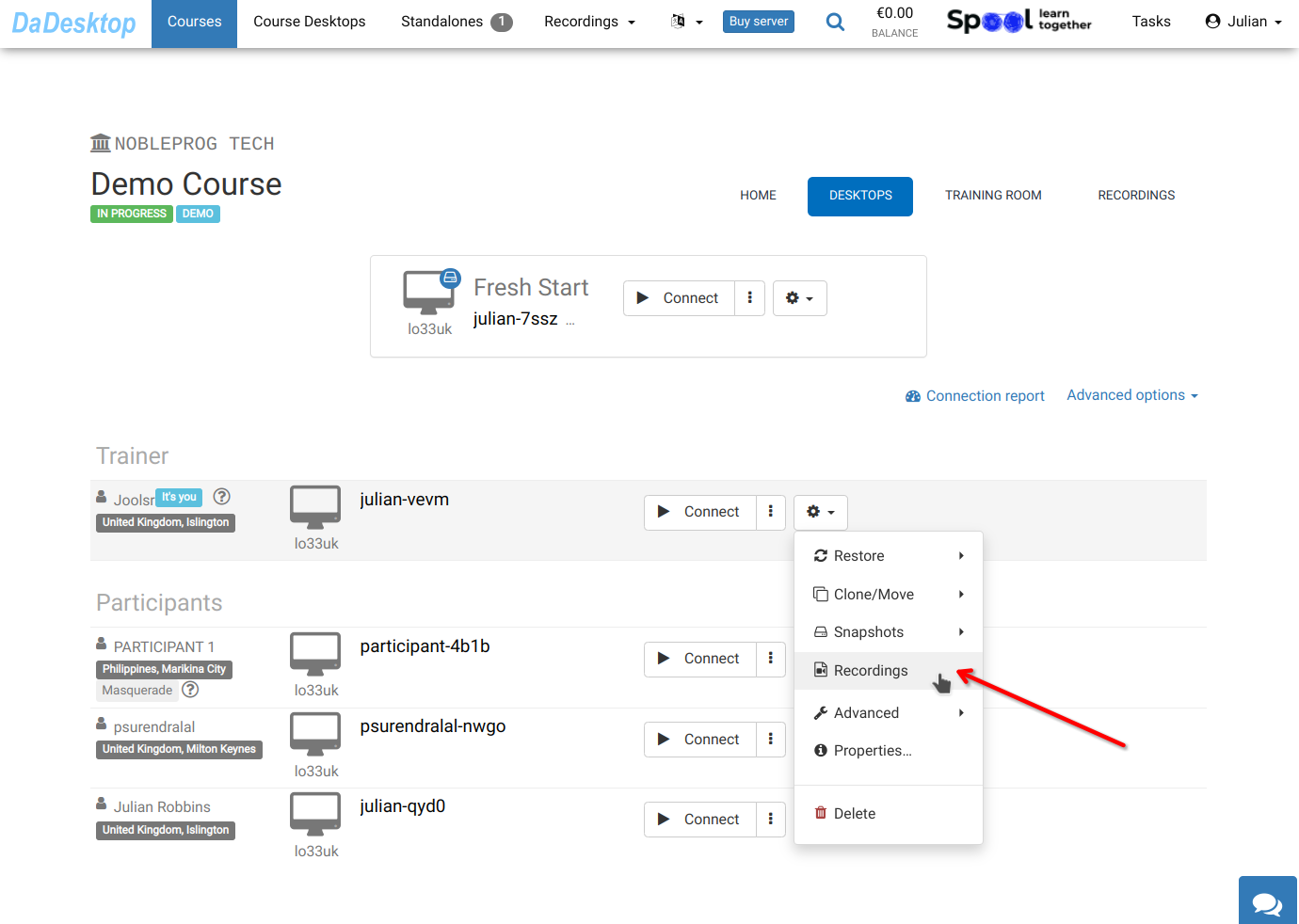
Access your recordings in the "Recordings" section. You can have a squiz at them and delete any that aren't needed.