Training Room Recording (Trainer's Desktop)
Trainers can record the entire Training Room and capture all participants' desktops. This feature is handy for revisiting course material or recounting issues students encounter during the session, aiding troubleshooting for both the trainer's notes and support for the development team.
Training Room View:
Recording Button
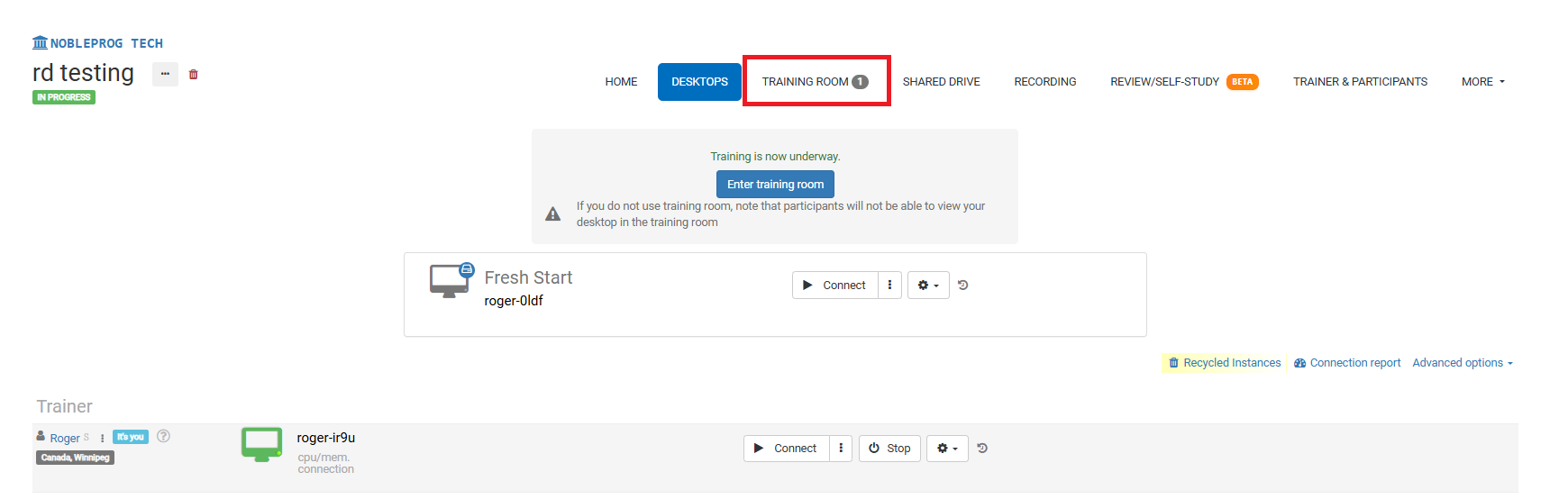
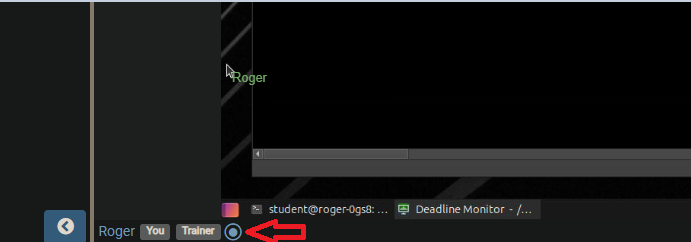
Once you're in the Training Room, spot the recording button at the bottom, as shown in the screenshot below, positioned right next to your name and the tags associated with your user account.
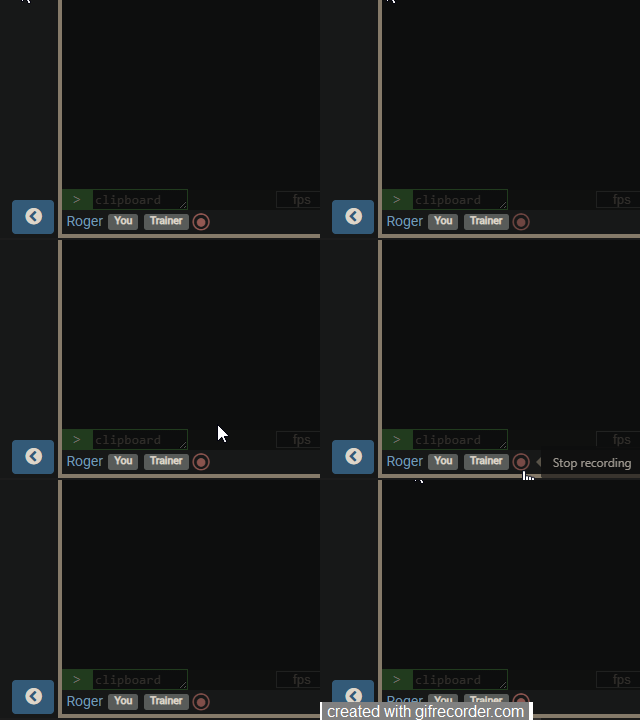
Once pressed, recording begins and the button starts to slowly flash red. To cease recording, simply click the button again.
Accessing Recordings
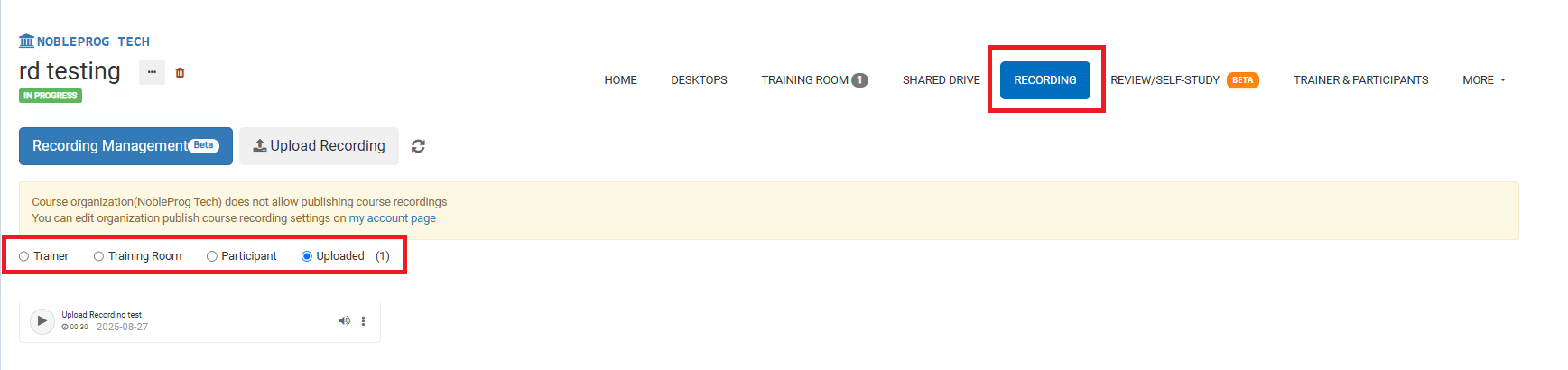
From the course page, you can access all your recordings by selecting the `Recordings` tab. Once there, you'll be able to pick the type of recording you'd like to view.